80202.45USD
56.57USD
2293.2USD
0.04USD
9.43USD
640.74USD
0.05USD
88.63USD
0.05USD
1.39USD
0.11USD
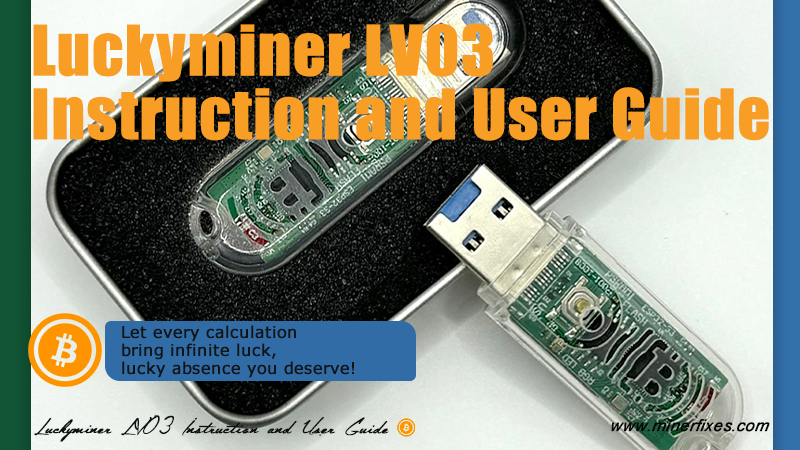
Luckyminer LV07 Instruction and User Guide Mobile phone English
5445 views 丨 2024-07-23 16:51
Minerfixes
62 subscribers
Subscribe
Share
Favorites
Make Global ASIC Maintenance Easier
1
Sign in You can only post comments after logging in.
@Ada

You can check the Luckyminer working status by the below methods,

1\ from the Luckyminer screen

2\ review the dashboard directly after configuring the miner

3\ enter the IP address displayed on the device into the browser, and then you can access the "dashboard" page

4\ open the pool website you set, if solo mining, enter the wallet you configured; if pool mining,log in your account

Popular videos
Luckyminer LV06 General Introduce
Minerfixes
2664 views 丨 2024-01-12 18:46
lesson 2:Antminer L3+ Hashboard Structure and Chip Arrangement
Minerfixes
1844 views 丨 2023-07-07 06:37
BitaxeHEX Setup Guide- with Mobile Phone
Minerfixes
1813 views 丨 2025-01-06 14:53
600Points
Antminer APW9 Basic working process lesson 3
Minerfixes
1976 views 丨 2023-07-25 05:53
JASMINER X4 - Power Supply Removing and Installing
Jingle Mining
2350 views 丨 2023-10-23 17:31
500Points
Avalon Practical Maintenance Demonstration
Minerfixes
2336 views 丨 2023-07-18 06:35
2022 Minerfixes - All Rights Reserved